In December, classrooms fill with winter decorations and holiday projects. It’s a great time to give coding a seasonal theme. With an Ozobot, markers, and paper, students can map a delivery route through a winter village, build a gift-sorting machine, or solve a winter scavenger hunt. And during the week of December 7, you can take part in the Hour of AI. Read on for activity ideas by grade.
When is Computer Science Education Week and the Hour of AI in 2026?
- Christmas and winter holidays: Christmas Day falls on Friday, December 25, 2026. December classroom activities can also draw on winter themes without focusing on a particular holiday. Choose a seasonal delivery route, a snowy maze, or a gift-sorting challenge to suit your students.
- Computer Science Education Week: CSEdWeek takes place each year during the week of computer pioneer Grace Hopper’s birthday, December 9. In 2026, that is the week beginning Monday, December 7.
- Hour of AI: Hour of AI activities are designed to introduce students to artificial intelligence through a short learning experience. The activities are available throughout the year, so you can use them beyond CSEdWeek as well.
Plan your activities for the first two weeks of December: try seasonal Ozobot activities in the first week, an Hour of AI lesson during CSEdWeek, and winter-themed lessons through the end of the term.
Which activity fits each grade?
| Grade | Activity | Color codes or programming | Time |
|---|---|---|---|
| K–Grade 2 | Delivery route: follow the line | Lines only, then speed | 45 min |
| Grade 1–3 | Winter rooftop delivery route | Left, right, straight, X-counter | 45 min |
| Grade 3–5 | Gift-sorting machine | If-then instructions with blocks (Evo) | 45 min |
| K–Grade 5 | Winter scavenger hunt | Direction codes and Game over | 30 min |
| Grade 3–5 | Hour of AI | Predicting patterns or evaluating AI fairness | 45–50 min |
Activity 1: The winter rooftop delivery route (Kindergarten–Grade 3)
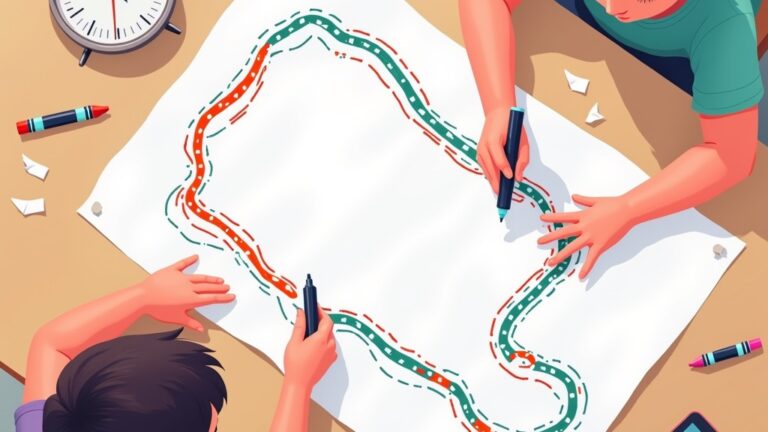
Work with the class to draw a bird’s-eye view of a winter village on a large sheet of paper: a row of rooftops with chimneys, connected by a black line about 5 mm wide. Add an intersection at each chimney, where a package needs to be delivered.
Kindergarten–Grade 1: Let the robot follow the line. Students predict which house the robot will reach first. Students who already know the codes can add a speed code to show that the delivery robot is in a hurry.
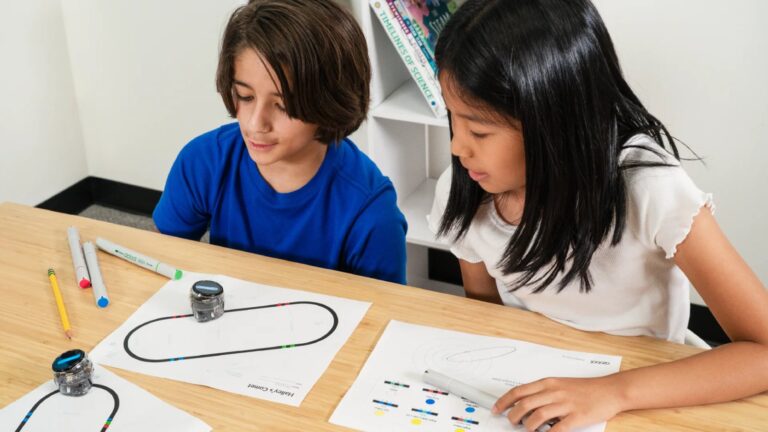
Grades 2–3: Turn it into a programming challenge. Give each group a list of five houses that need a delivery. Using the left, right, and straight codes, students guide the robot past exactly those houses. Then introduce the X-counter, which makes the robot stop after passing five intersections. Can students draw a route that makes the robot stop at exactly the fifth house? The counter codes are recommended from Grade 3.
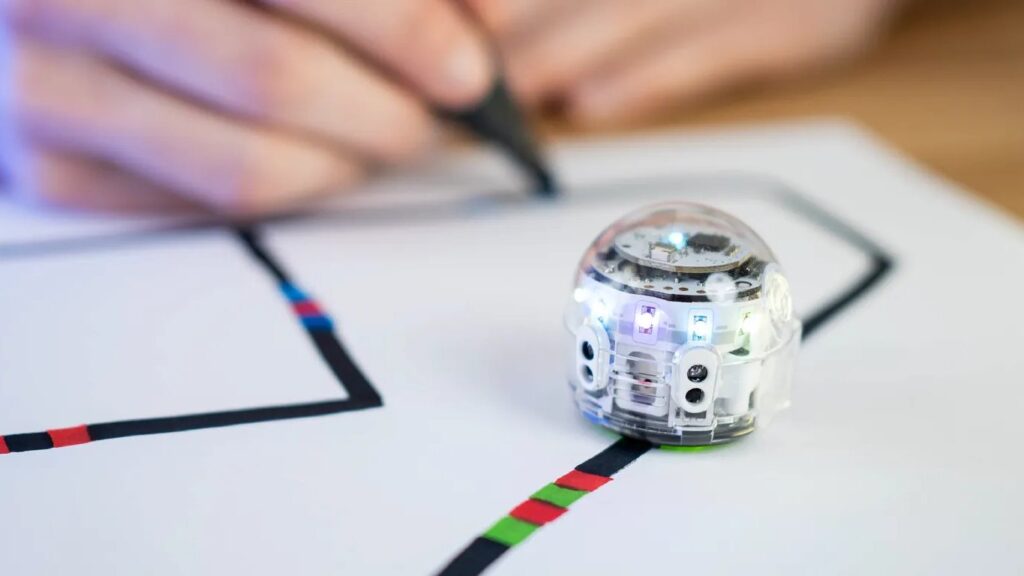
Tip: Draw codes only on straight sections, and leave at least 25 mm between parallel lines (38 mm for Ari). For a route that works reliably, read Drawing lines for Ozobot. All codes and their color sequences are in Ozobot Color Codes.
Activity 2: The gift-sorting machine (Grades 3–5)
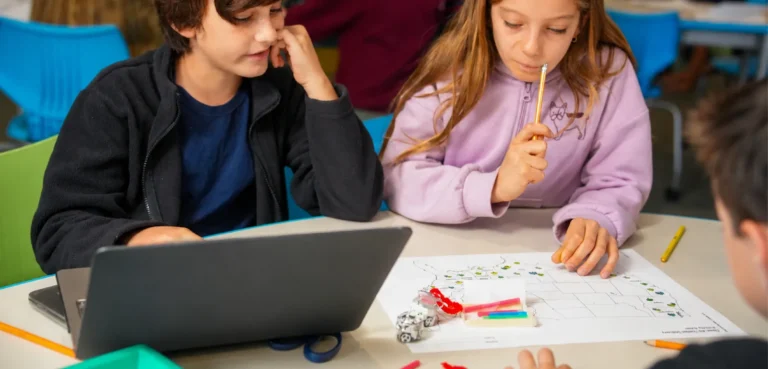
There’s a problem: all the gifts are mixed up. Students design a sorting machine. Start without a robot, using if-then cards: “If the package is red, then it goes left. If the package is large, then…” Have groups test one another’s rules with real or drawn packages. What happens if a package is both red and large? Students discover why the order of rules matters.
Next, program the same logic with a robot. Students program Ozobot Evo with blocks to respond to a hand gesture in front of its sensors. Turn it into a sorting machine: if a hand (the package) appears in front of the robot, it turns one way; otherwise, it keeps moving.
Activity 3: The Winter Scavenger Hunt (Kindergarten–Grade 5)
Keep the seasonal theme going with a winter challenge. In this activity (30 minutes, Bit+ or Evo), students use color codes to plan the quickest route through a winter maze, passing gifts, cookies, lights, a snowman, hot chocolate, and skates. At each intersection, they draw an arrow, choose the matching direction code, and finish with an end code. Then they time and compare routes. There are two paths to the finish, so more than one solution works. Students should already know the color codes; for Kindergarten and Grade 1, start with the basic color codes.
For an extra challenge, ask students to find a second route that is faster. They’ll see that programming involves testing and improving your work.
Activity 4: The Hour of AI in the classroom (Grades 3–5)
The Hour of AI is the successor to the Hour of Code, organized by CodeAI (formerly Code.org) with hundreds of partners (CodeAI). Its free activities introduce students to artificial intelligence and fit into a single class period. Activities from many organizations are available through the Hour of AI website. Check each activity for its available languages, materials, and grade range before using it with your class.
Would you prefer an AI activity that uses robots? Here are two ideas:
- Predicting patterns (Grades 3–5, about 50 minutes, Evo or Ari): students look for patterns in numbers and lights, predict what comes next, and program Ozobot to check their predictions.
- Is the AI fair? (Grades 3–5, about 45 minutes, Evo or Ari): students investigate whether decisions made by an AI application are fair and use Ozobot’s direction codes to show their judgment.
For a detailed 50-minute lesson about how a language model works, see AI lesson for ages 10–14: How does a language model like ChatGPT work? For background to help explain AI to children, see Explaining AI to kids.
What do you need for the December lessons?
| Materials | What they’re for |
|---|---|
| Ozobot Bit+ or Evo (1 per 2–3 students) | Delivery route and Winter Scavenger Hunt; Evo is also used for the sorting machine |
| Ozobot markers in black, red, green, and blue | Drawing lines and color codes |
| White, non-glossy paper (a roll for the rooftop route) | Surface for the route |
| A computer or tablet with internet access | Only needed for the sorting machine and Hour of AI lessons |
Calibrate the robots at the start of the lesson and again whenever you change the paper. For guidance on lines and colors, consult Ozobot’s official color code guide.
Frequently asked questions
When is Computer Science Education Week in 2026?
In 2026, Computer Science Education Week falls during the week beginning Monday, December 7. Hour of AI activities can also be used at other times of the year.
When is the Hour of AI in 2026?
The Hour of AI takes place during Computer Science Education Week, which begins December 7 in 2026. You can use the activities after that week, too.
Can I use these lessons without a holiday theme?
Yes. Make the delivery route a winter-village route, or use the scavenger hunt and Hour of AI activities as they are. These activities work in classrooms that don’t celebrate a particular holiday, or later in the winter.
Do I need a computer for the delivery route?
No. Ozobot Bit+ and Evo read the lines and color codes students draw on paper with markers. You only need the robot, four Ozobot markers, and white paper.
Which lesson is a good fit for Kindergarten?
Start with the delivery route where the robot follows a line, and an introduction to the basic color codes. The Winter Scavenger Hunt can also work for Kindergarten students once they’ve practiced the direction codes.