Teachers and school leaders have been asking us lately: “Does Ozobot still make sense now that AI can take over coding?” It’s a fair question. AI assistants can write a working piece of code in seconds. So why should a Grade 4 student still learn how a loop or an if-then instruction works? Our answer is yes, learning to code still matters—and especially now. In this article, you’ll find out why, what computer science standards say, and how to approach it in the classroom.
Why is it still worthwhile to learn to code yourself?
In short: if you don’t know how a program works, you can’t judge whether someone else’s program is correct. And AI-generated code is someone else’s code. Here are four reasons:
- You need to be able to check AI-generated code. AI-generated code can contain errors, too. You can only decide whether it works as intended if you can read, test, and debug it yourself.
- Coding is thinking, not typing. Breaking a task into parts, putting steps in the right order, and finding an error are computational thinking strategies. You use them when you give AI a prompt, too. The more precisely you think, the better your prompt—and the better you can evaluate the answer.
- If you outsource the thinking, you don’t practice it. When AI does the thinking for students, they get less practice doing it themselves, including solving problems and thinking critically.
- Coding helps students understand AI. An AI system is software, too. Students who know that a computer follows instructions exactly can better understand the difference between traditional software and a system that predicts an answer based on data and probabilities.
What do computer science standards say about coding and AI?
In the United States, the Computer Science Teachers Association (CSTA) publishes the 2026 CSTA PK–12 computer science standards. Algorithms & Design and Programming are two of their five core concepts. CSTA adds that “Programming is an essential part of CS, but CS is far broader.” Artificial intelligence was not added as a separate concept; according to CSTA, it “was identified as a priority during the standards revision process” and is spread across the concepts (CSTA).
Testing and revising a program—including one written by someone else—is an important part of learning to code. That matters more than ever when students encounter code generated by AI.
Teachers may also wonder whether standards about digital technology will quickly become outdated as AI advances. The 2026 revision shows the answer so far: AI was added across the standards, and programming stayed in. For more on standards, see Computer science standards and digital literacy.
Can students use AI when coding?
Yes, as a tool and at the right time. AI can support students’ ideas, designs, planning, or learning—but it shouldn’t replace their own thinking. For younger students, it may work best to explore AI together as a class with the teacher rather than having students use a chatbot on their own.
A sequence that works well:
- First, try it yourself. Students think of and program their own solution, on paper or with the robot.
- Then, compare. Show the class how an AI assistant solves the same task. What’s the same? What’s different?
- Then, test. Run both solutions. Does the robot do what the task asks? Where is the error, and who can find it?
This way, AI isn’t a shortcut around thinking; it’s another program to examine critically. That’s exactly why students need experience writing and testing programs themselves.
How can you teach coding in the classroom, with or without AI?
A robot makes coding tangible. If the code is wrong, the robot goes the wrong way. Students see right away that a computer does exactly what the instructions say, not what you meant.
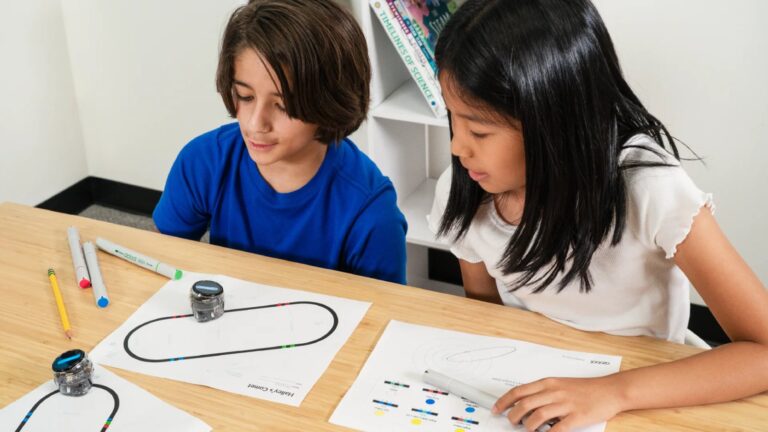
- Grades 3–4: color codes and prediction. Students draw a route using color codes and predict what the robot will do. If their prediction is wrong, they look for the error. With the color code studio, they can design a route on screen, test it in a simulator, and print it at full size.
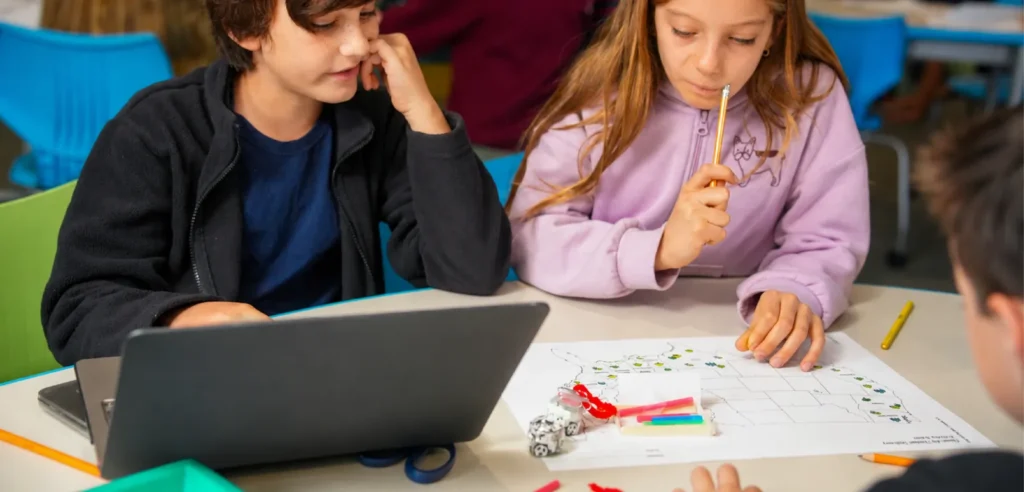
- Grades 5–6: block coding and debugging. Work with loops, if-then instructions, and variables. Have students test and improve one another’s programs so they practice evaluating code written by someone else.
- Middle school: evaluate AI-generated code. Have students compare their own solution with one from an AI assistant, test both, and explain which works better and why.
For more on explaining AI, read How to explain AI to children. For a coding progression by grade, see our coding progression by grade.
Frequently asked questions
Is learning to code still worthwhile when AI can write code?
Yes. AI can write code, but you need to judge whether it does what it is supposed to do. That takes your own coding knowledge. Coding also gives students practice thinking: breaking down a problem, ordering steps, and finding errors.
Do computer science standards still include coding?
Yes. In the 2026 CSTA PK–12 computer science standards, Programming and Algorithms & Design are two of the five core concepts, and AI is included across the standards.
Should students learn to code first or learn about AI first?
Both, in a logical sequence. Understanding how a program follows steps can help students understand what AI does differently. Students can begin with coding activities and explore AI as their understanding develops.
Can elementary students use an AI chatbot on their own?
Follow your school’s policies and the chatbot’s terms. For elementary students, exploring AI together as a class with the teacher is often the most suitable approach.
Do you need a robot to learn to code?
No. Students can start without a screen or a robot. A robot can help them see what their code does right away. With Ozobot, they can start off-screen with color codes on paper and move on to block coding later.