
Education
Ozobot in secondary education
Investigate programming problems with Block-based coding in Ozobot Editor, using Evo or Ari. Develop your logic further, explore Python as a next step and learn to understand, use and critically assess AI.

From tasks to coherence
Building programming logic with blocks
Program with blocks in Ozobot Editor, using Evo or Ari, and explore the order, loops and connections between tasks. If you work with Bit+, you use OzoBlockly.
Start with a well-defined programming question. Test a small part first, explain the behavior and then expand the logic. A well-justified solution can be more valuable than more code.
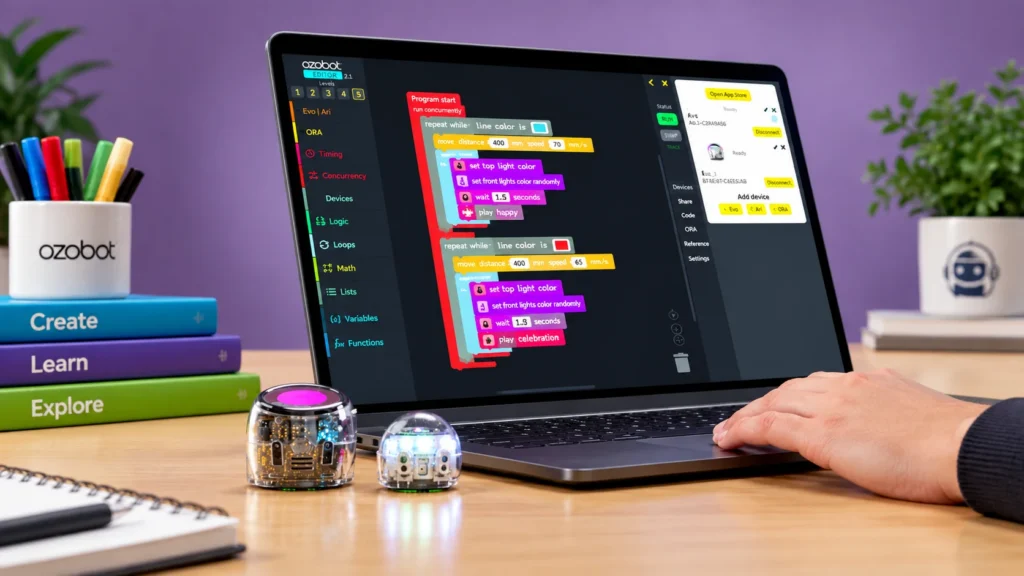
Ari as part of your programming task
With Ari you run block programs from Ozobot Editor and later switch to Python. Choose a behavior you can test and discuss what inputs and commands are needed.

From block programming to textual code
A next step: programming with Python
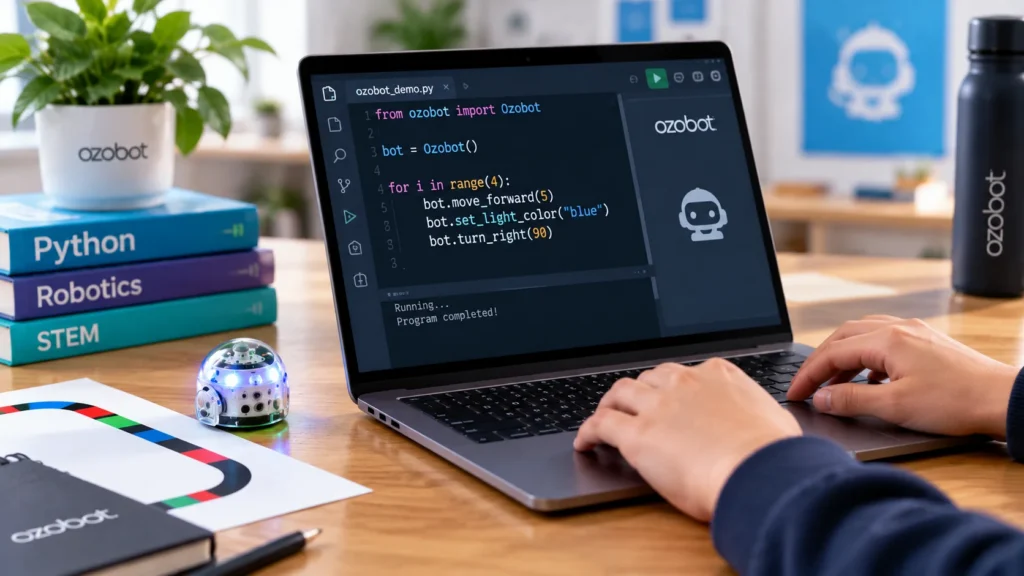
If you want to explore programming logic in textual code: Evo and Ari can also be programmed with Python in Ozobot Editor. Available functions vary by robot.
Start with the connection and one controllable command from the documentation for your robot. Compare the execution with your expectation and expand deliberately. Python is a possible next step, not a required part of a secondary‑education activity.
Investigating and critically assessing AI
When does a program follow fixed instructions, and when does a learned model play a role? Use an activity to investigate what input a system uses, how you evaluate the outcome and where limitations lie.
AI is here a topic for learning and research, not an automatic feature of a robot. The AI page and the teacher guide provide concrete starting points for a discussion about applications and choices.

Skills for your programming investigation
Use Block-based coding, Python or an AI investigation question to make your reasoning and test results verifiable.
Building programming logic
Combine commands and loops into a program whose behavior you can explain.
Testing and debugging
Define the expected behavior in advance, find the cause of a deviation and repeat the same test.
From blocks to textual code
Explore how to express a block-based solution in Python, with Evo or Ari.
Investigating systems and data
Distinguish input, processing and output and discuss which data you need to reach a conclusion.
Critically examining AI
Evaluate an AI outcome and investigate which data, limitations and human choices are involved.
Designing and iterating
Work from a problem toward a testable solution and justify each subsequent adjustment.
Which robot fits your programming task?
Both Evo and Ari can be programmed with Ozobot Editor and Python. Evo offers movement, lights, sound and sensors. Ari adds an interactive touchscreen and learning about AI. The task and available equipment determine the best fit.

Ozobot Evo
Program with blocks in Ozobot Editor or with Python and test your solution with the robot.
Color Code programming · Block-based coding · Python programming
Software: Ozobot Editor
Discover Ozobot Evo →
Ozobot Ari
Program with blocks in Ozobot Editor or with Python. Take each robot's capabilities into account.
Color Code programming · Block-based coding · Python programming
Software: Ozobot Editor
Discover Ozobot Ari →Materials to build further
From block-based coding to Python and AI: choose the resource that matches your research question and check which robot you need.

Teacher guide
Start with explanations, helpful documents, and lessons from the complete teacher guide. Check the robot variant per activity.

AI Teacher Guide
Use background information, tips and lesson cards for lessons about AI, applications and robotics.
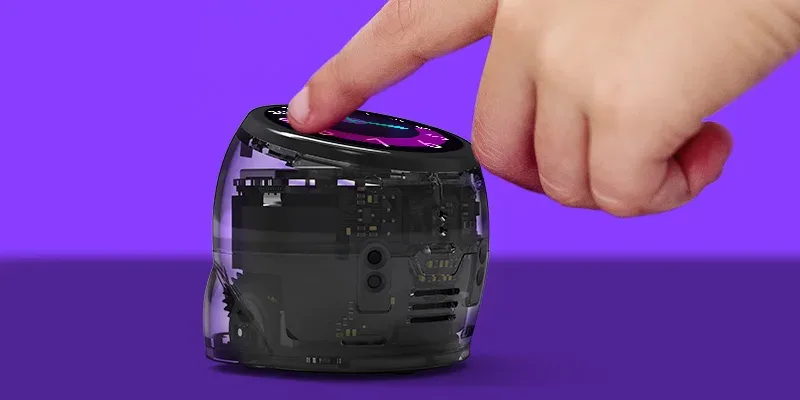
Python SDK documentation
English instructions for connecting, controlling and examples with Evo and Ari. Check the requirements before you begin.
Deepen your project from a theme
A programming project can provide room to connect technology, design and reasoning. Choose the theme that best fits your question.

Digital literacy
Investigate how a program determines a system's behavior and what requirements your software and robot impose.

Computational Thinking
Break a programming question into subproblems, look for repetition and make your approach verifiable.

STEAM
Connect programming with a design question. Have students justify their choices, tests and adjustments.
Which Ozobot suits your situation?
Use the chooser to further explore the possibilities from your secondary-education context and preferred programming approach.